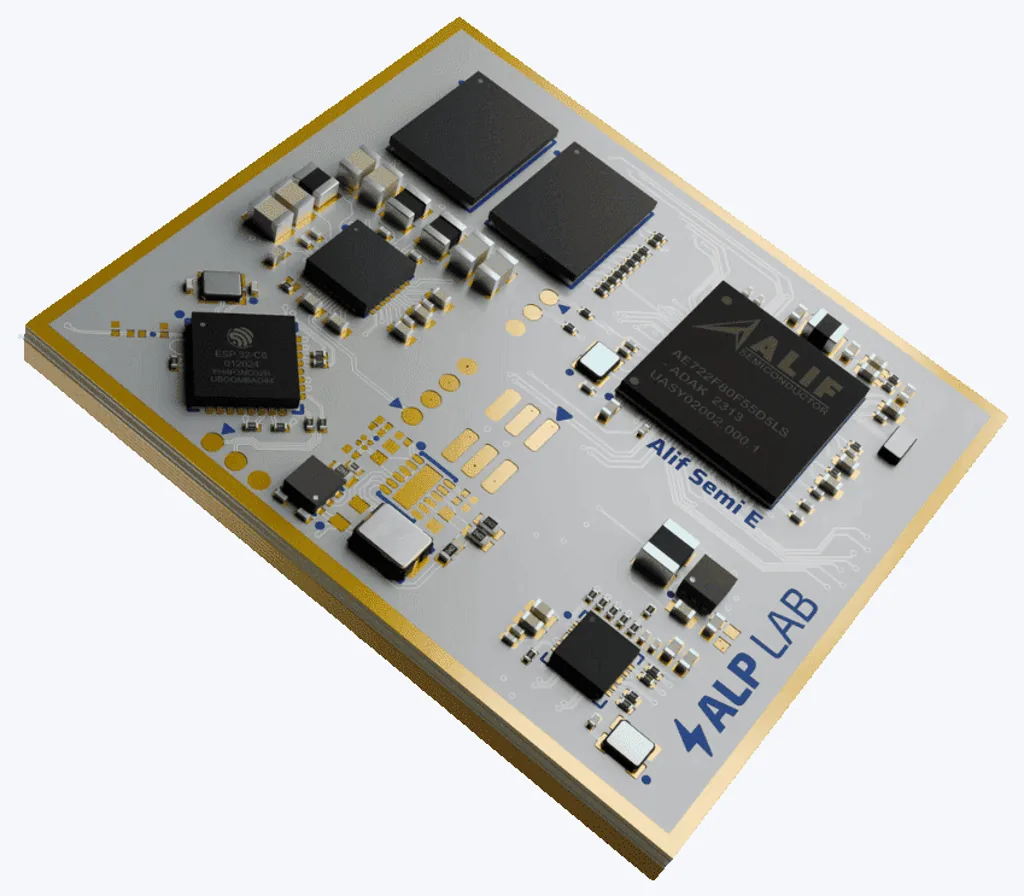
Alp SDK VS Code extension launched
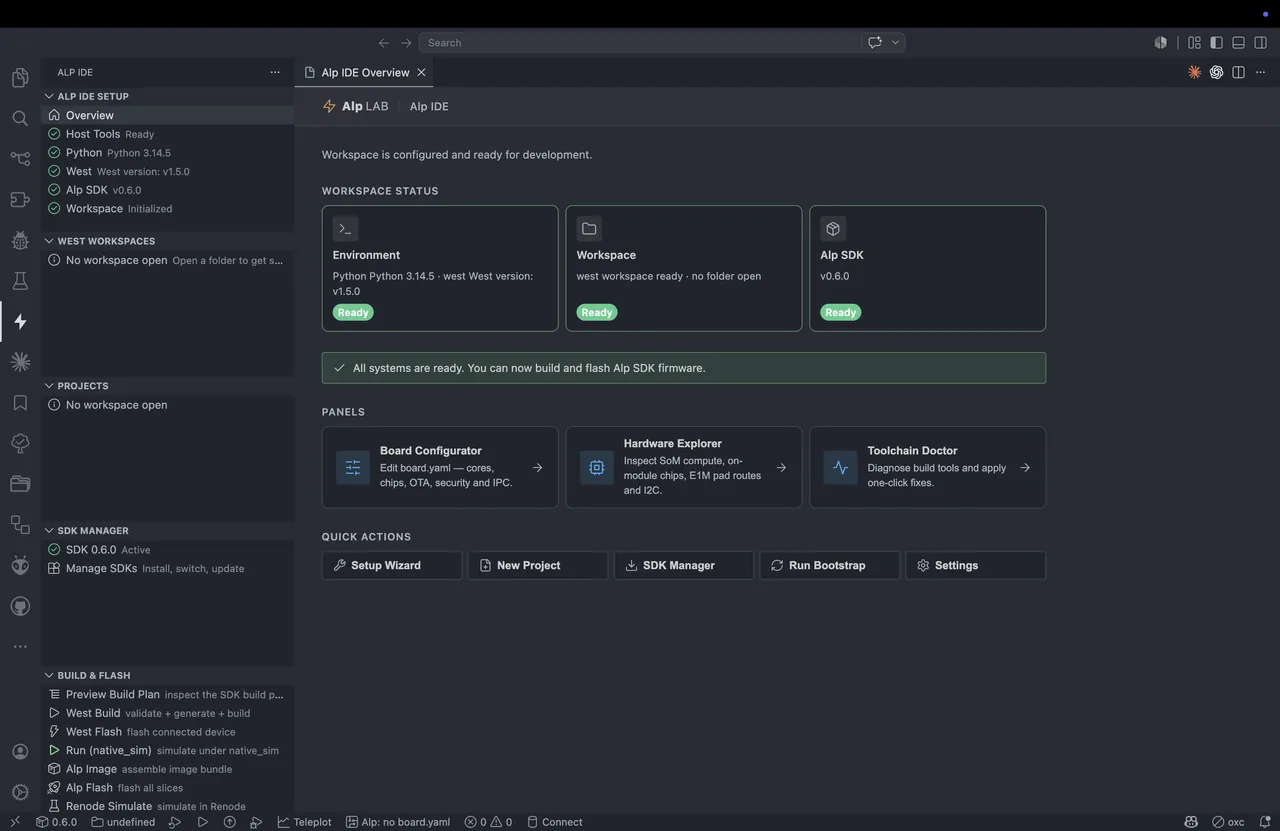
First-class E1M development inside VS Code — board-aware editing, build wrappers, and project tooling without leaving your editor.
Alp Lab has shipped a VS Code extension — Alp IDE — that brings first-class Alp SDK support into the editor, replacing hand-rolled command-line workflows with native tooling for E1M development.
Install it from the VS Code Marketplace (search "Alp SDK"), or grab the latest .vsix from the GitHub Releases page and run "Extensions: Install from VSIX".
At its center is the IDE Hub — a dashboard showing workspace readiness and environment status — plus a project wizard that scaffolds a new project from a template, a hardware choice, and a pinned SDK version.
board.yaml, the single file that describes a module build, gets LSP-native editing: inline diagnostics, completion, hover, symbols, quick-fixes, and a live preview of the effective configuration.
The Configurator panel turns that file into a guided UI. Pick the SoM SKU, carrier presets, and compute/inference cores; assign a per-core OS (Zephyr or Yocto) with its libraries, connectivity, and peripherals; and set chip drivers, diagnostics, logging, boot/signing, storage, and IPC — with live validation and a JSON preview of projectContext and effectiveConfig.
west workflow wrappers then validate board.yaml and generate the downstream outputs — Zephyr config, DTS overlays, CMake args, Yocto config — and run builds with progress reporting, so the whole loop stays inside the editor.
Rounding it out: an SDK manager for installing and switching between versioned Alp SDK releases, and debug-aware orchestration covering inspection, preflight checks, launch planning, and support bundles.
The extension targets the same silicon the E1M family runs on, including Alif Ensemble, NXP i.MX 9, and Renesas RZ/V2N.